
08Review
K-1 Variance Comparison
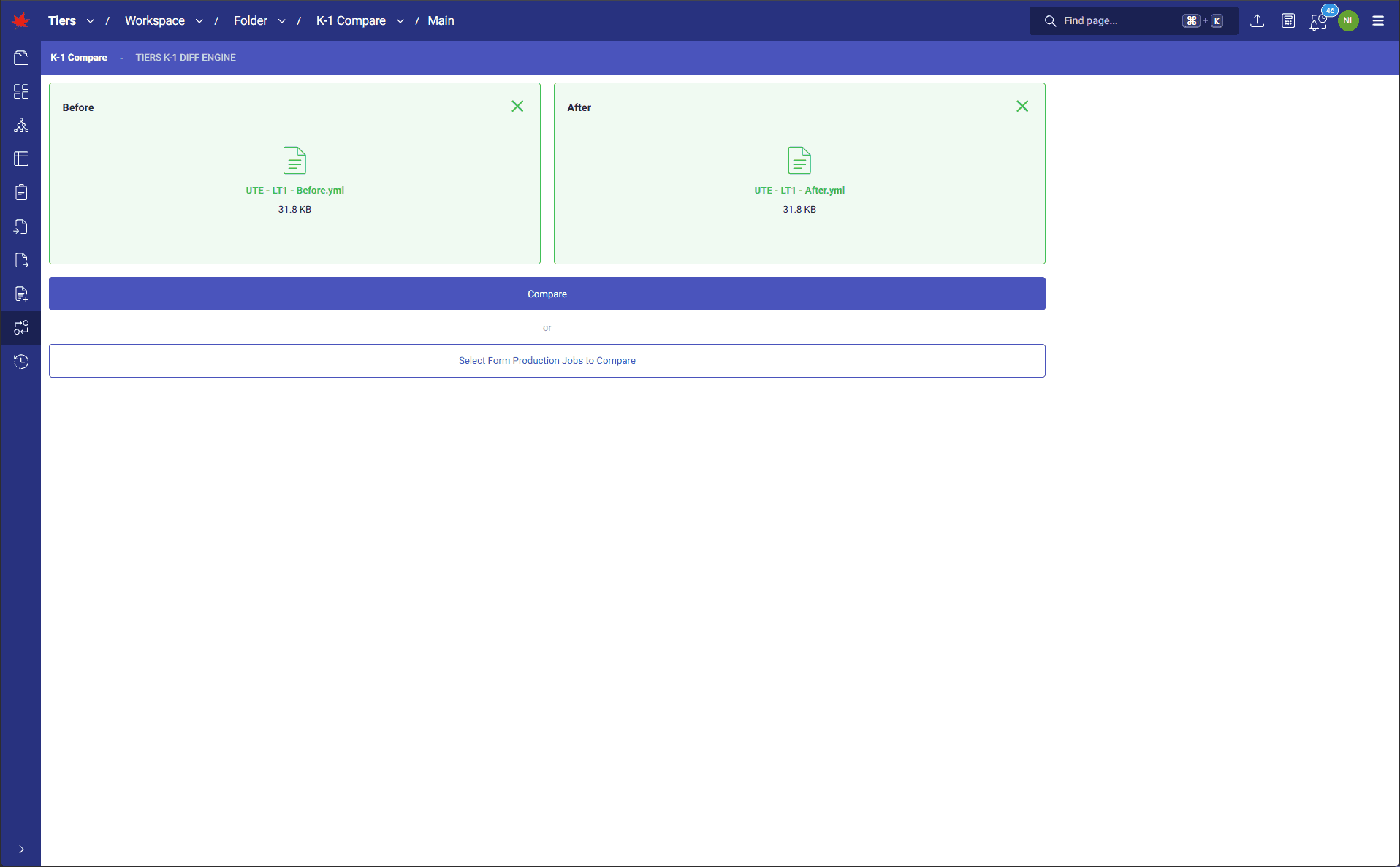
TIERS K-1 comparison function automates before-and-after K-1 review with comparison of normalized, structured files for the same partner and partnership. It shows changes to demographics, face, overflow, and detail values, then helps trace those changes back to the data, calculations, and tiering paths that caused them.
How it runs
When TIERS generates a K-1, it can also produce a YAML version of the package with the calculation output snapshot ID. Users load a prior YAML file and a revised YAML file for the same partner and partnership. TIERS compares the files at the document level, highlights adds, deletes, and modifications, and uses the snapshot context to trace changes through investor capital transactions, interest percentages, entity tiering rules, and allocable items. Each changed item can include preceding and originating entity context, so reviewers can see not only what changed, but where the change came from.
What it transforms
Manual side-by-side PDF review becomes a structured variance workflow. Managers can confirm requested K-1 changes, spot unintended movement, reduce review fatigue, and connect each variance to the calculation data and tiering path behind it.
Walkthrough
1 of 2 · REVIEW
Click to zoom. Scroll freely — pinch or Ctrl+scroll to zoom further. Drag when zoomed.
Next step
See TIERS with your data
Request a guided product briefing.