
09Core
Audit History & Point-in-Time Restore
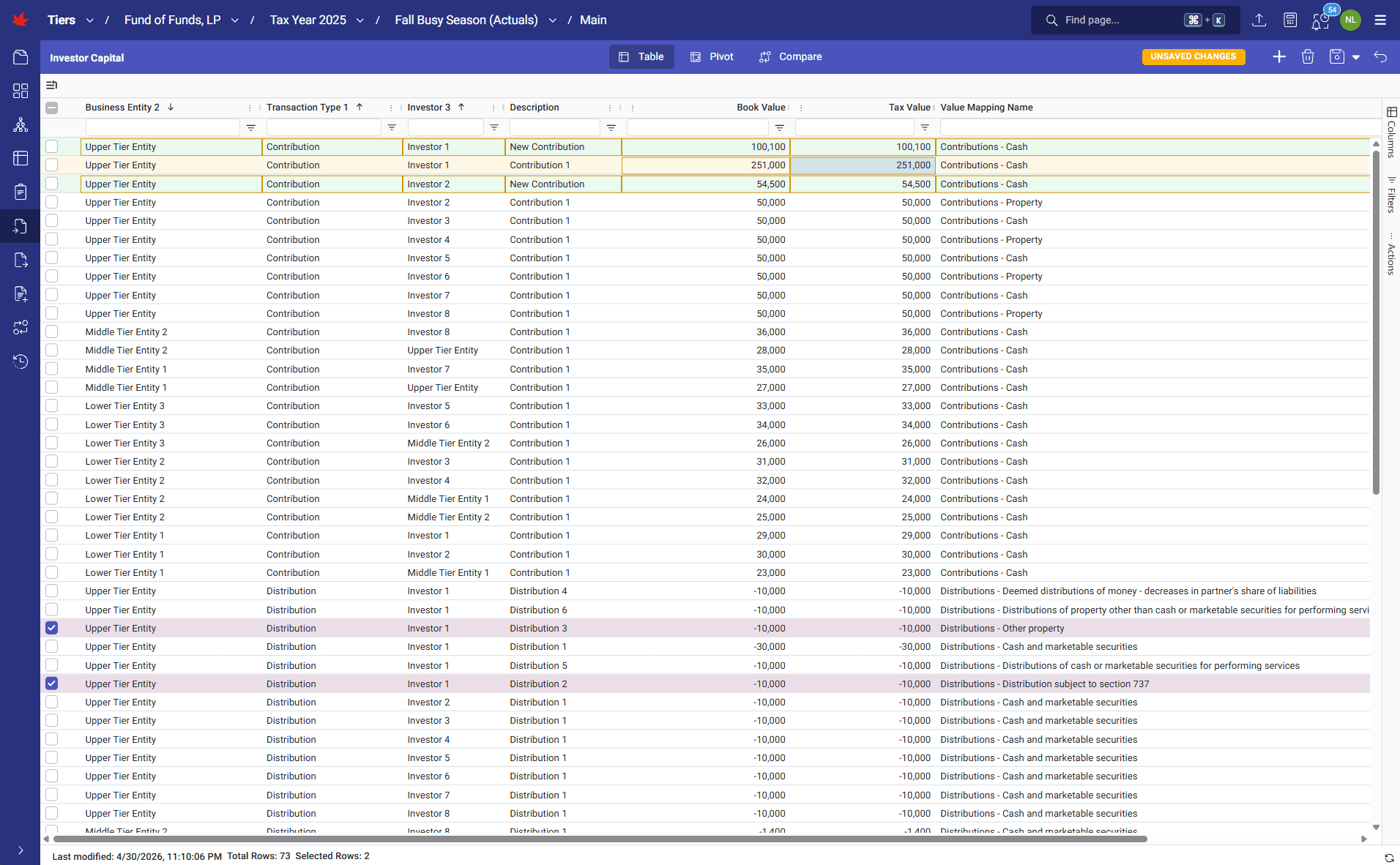
TIERS records every insertion, update, and deletion in an append-only journal so teams can see how their projects evolved from the first upload to final delivery. Users can review timestamps, user attribution, and before-and-after field values. They can even restore copies of prior versions for investigation, comparison, and scenario testing.
How it runs
TIERS' history pages list every input event for every project. Users can open individual event groups to review record changes with before-and-after values for each field. If an erroneous upload, deletion, or edit affects the calculation, TIERS can revert the full project to a prior point in time or duplicate the project into a new isolated copy restored to that prior state, allowing teams to investigate without interrupting the live engagement.
What it transforms
Silent overwrites and risky manual backup copies become a governed project history with recovery options. Teams can protect known-good states, investigate mistakes, compare scenarios, and reduce the business risk of late-stage data changes cascading through the engagement.
Walkthrough
1 of 3 · CORE
Click to zoom. Scroll freely — pinch or Ctrl+scroll to zoom further. Drag when zoomed.
Next step
See TIERS with your data
Request a guided product briefing.